
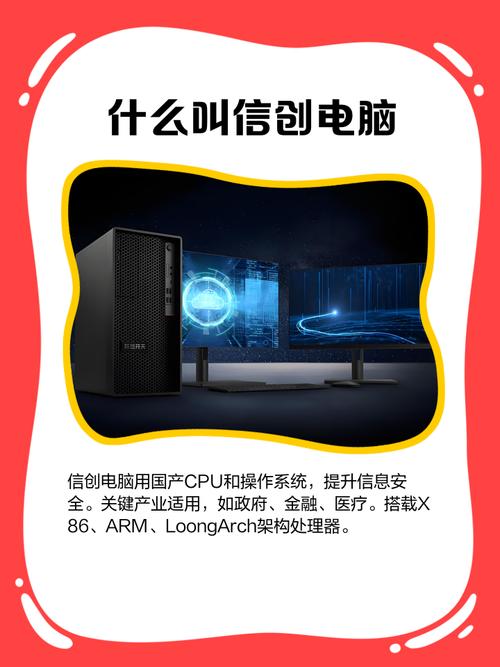
Xinchuang desktop computer workstation Lenovo Huawei Ziguang domestic CPU Tongxin Kirin system
Category:
Digital computer/Complete machine, server/workstation
Model:
Qingyun
Brand:
Lenovo, Purple Light, UNIS, Great Wall, Huawei, Zh
Processor architecture:
Domestic CPUs (Feiteng/Kunpeng/Loongson/Haiguang, etc.)
operating system:
UOS/Kylin
Memory capacity:
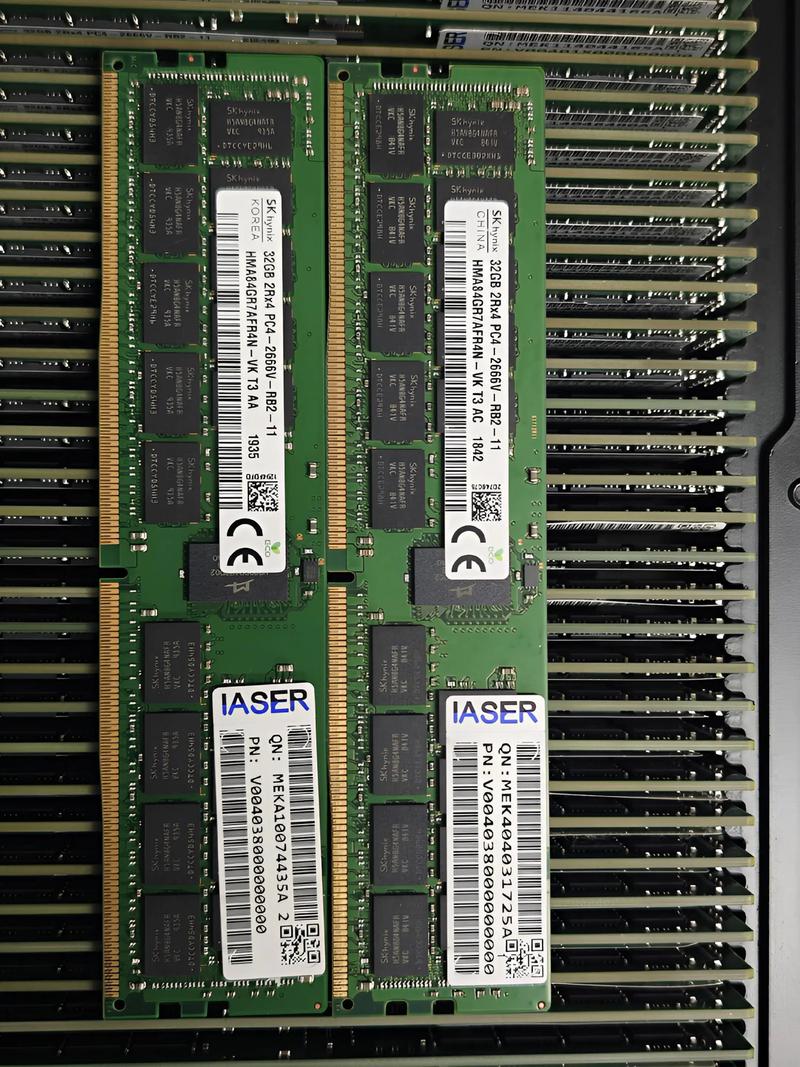
8GB / 16GB / 32GB DDR4
Hard disk type:
NVMe SSD Solid State Drive
Graphics Card Type:
Integrated graphics card/discrete graphics card
interface configuration:
USB 3.0 / HDMI / VGA / RJ45
Applicable Scenarios:
Government Office/Finance/Energy/Education
certification standard:
National Information Security Level Protection Certification
Retail Price
10,000,000.00USD
重量
kg
- Product Description
-
Processor architecture Domestic CPUs (Feiteng/Kunpeng/Loongson/Haiguang, etc.)
operating system UOS/Kylin
Memory capacity 8GB / 16GB / 32GB DDR4
Hard disk type NVMe SSD Solid State Drive
Graphics Card Type Integrated graphics card/discrete graphics card
interface configuration USB 3.0 / HDMI / VGA / RJ45
Applicable Scenarios Government Office/Finance/Energy/Education
certification standard National Information Security Level Protection Certification
Description :
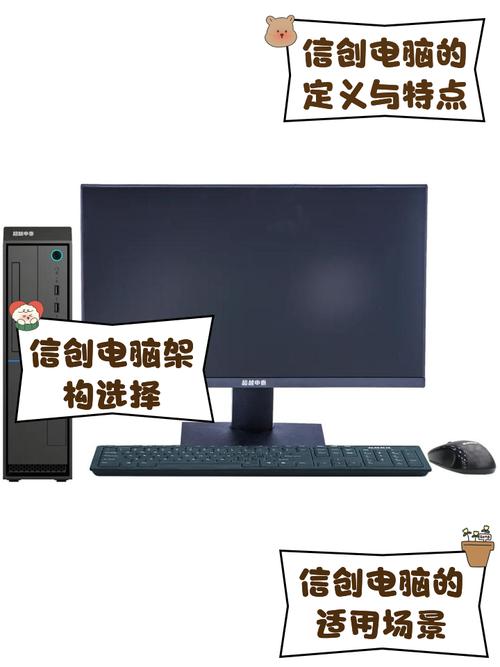
Xinchuang Computer is a computing terminal designed specifically for the innovation environment of domestic information technology applications, aiming to solve the problem of independent control of software and hardware in key fields. It is usually equipped with domestically produced processors such as Feiteng, Kunpeng, Loongson, or Haiguang, and is paired with the Unisoc UOS or Kirin operating systems to ensure data security and supply chain stability. Typical working conditions include government offices, financial settlements, energy dispatch, and educational research, which require extremely high levels of safety. This type of Xinchuang computer not only meets daily document processing needs, but also is capable of running some professional software, which is the core hardware foundation for achieving domestic substitution.
The Xinchuang computer series covers multiple specifications and supports mainstream domestic chip platforms. The memory capacity is usually 8GB to 32GB DDR4, and the storage uses 256GB to 1TB NVMe SSD solid state drives. The body design conforms to ergonomics, with rich interfaces including USB 3.0, HDMI, VGA, and Gigabit Ethernet ports, suitable for various peripherals. The execution standards comply with the national information security level protection requirements and have passed relevant compatibility certifications. Some high-performance models are equipped with independent graphics cards, supporting dual screen output to meet graphics processing requirements. The whole machine has undergone strict high and low temperature testing and electromagnetic compatibility testing to ensure stable operation in complex environments.
When selecting, it is necessary to clarify the application scenarios and performance requirements. Ordinary administrative offices can choose Xinchuang computer models that integrate graphics cards and mid to low frequency processors, with high cost-effectiveness and low power consumption; If it involves CAD drawing, video editing, or big data processing, it is recommended to choose a workstation level innovation computer equipped with high-performance GPU and large memory. Pay attention to distinguishing the software compatibility of different domestic CPU architectures, such as the differences between ARM architecture and x86 architecture. For units that need to run industry-specific software, it is necessary to verify the compatibility of the software under the Tongxin or Qilin systems in advance to avoid affecting work efficiency due to ecological differences.
When installing a Xinchuang computer, it is important to ensure that the power supply is properly grounded to avoid electrostatic interference. The first startup requires completing the operating system initialization settings and driver installation. It is recommended to connect to a wired network to obtain the latest security patches. In daily maintenance, regularly clean the dust on the chassis, check the operation status of the cooling fan, and prevent overheating and frequency reduction. When encountering system lag or software conflicts, prioritize checking system update logs and compatibility lists. Common faults such as inability to power on are often caused by loose power supply or memory, and can be re plugged and checked. When not in use for a long time, it is recommended to store the Xinchuang computer in a dry and ventilated place without power to extend its service life.
AfterSalesService :
Key words: