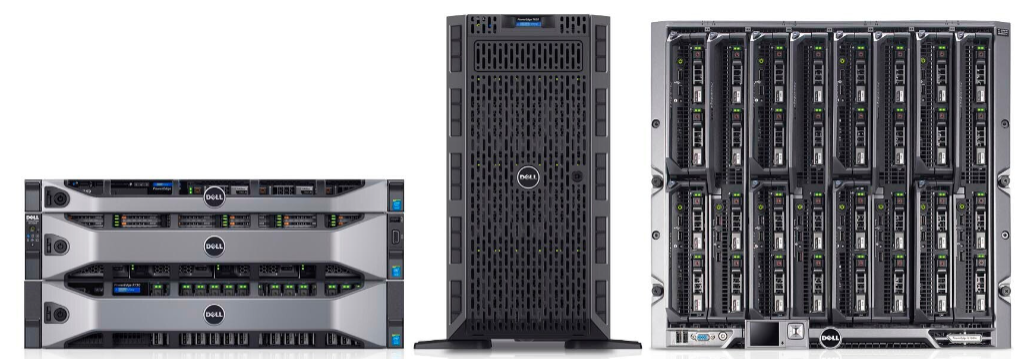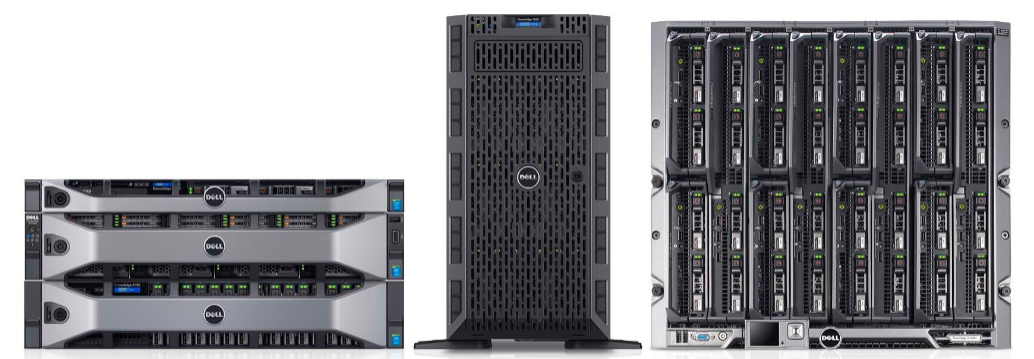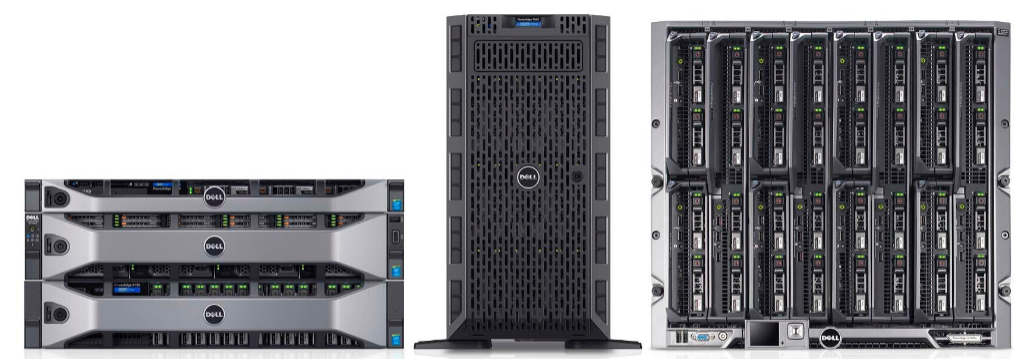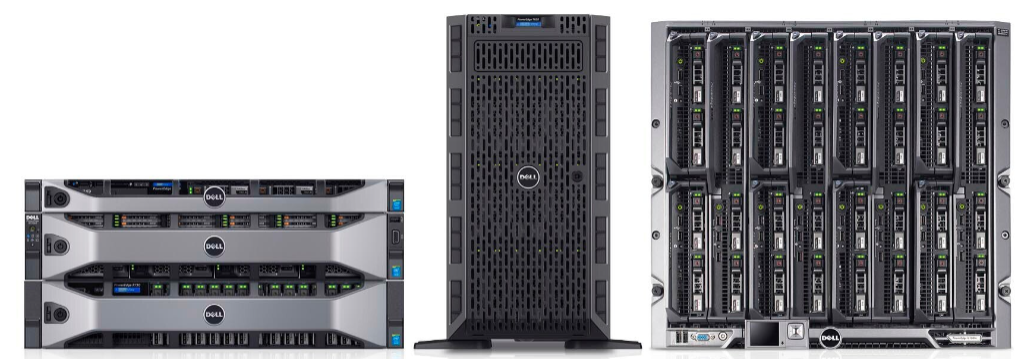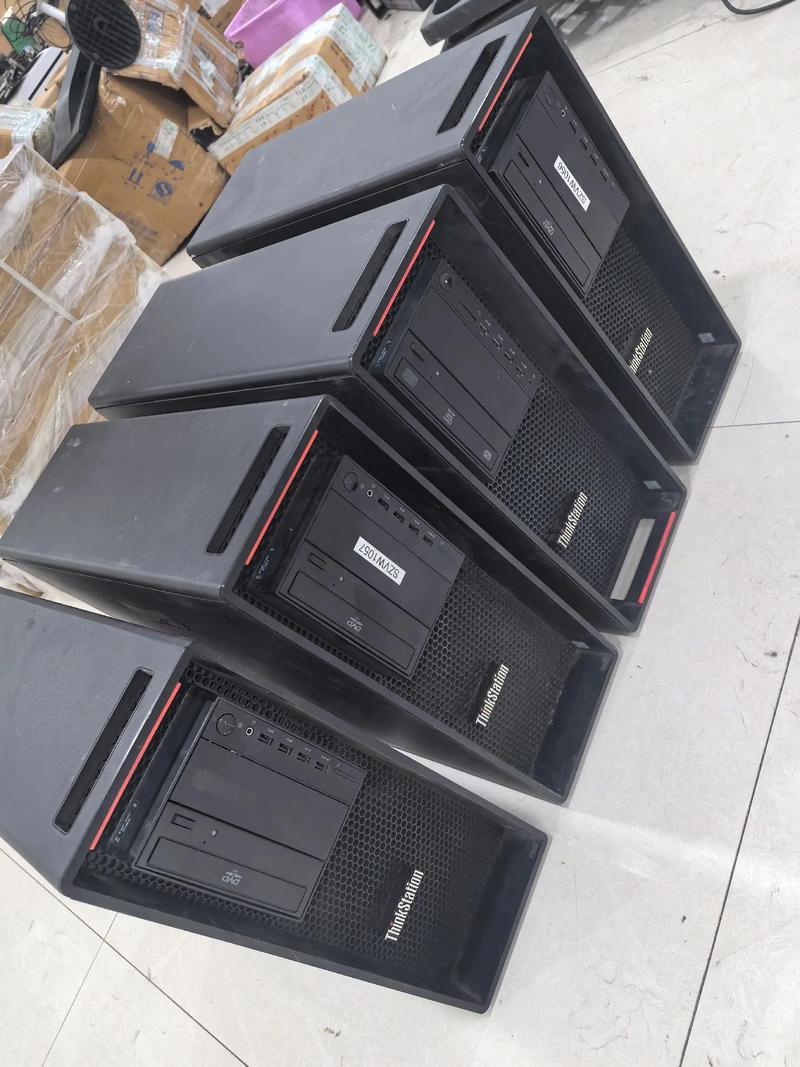

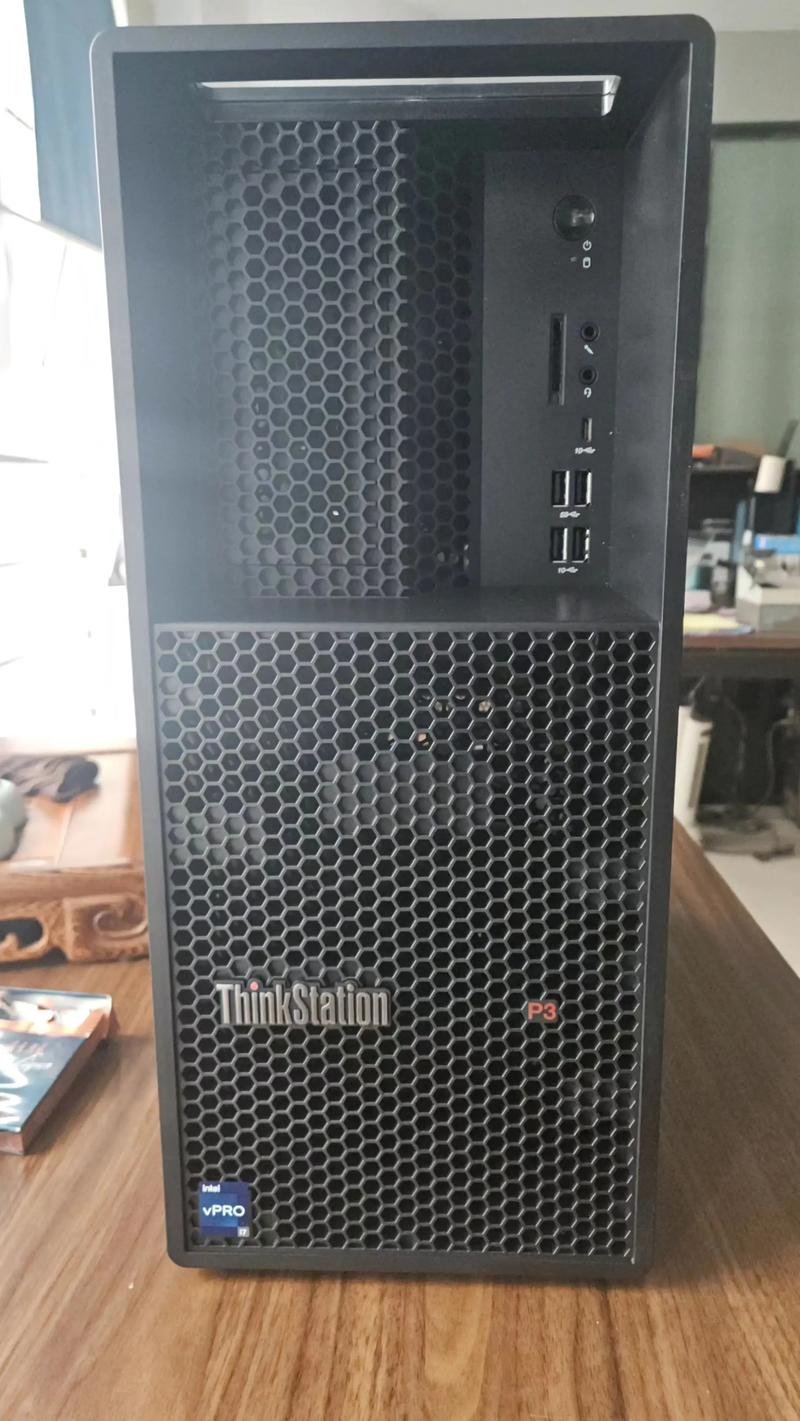
Dell Precision T3660/T3680 Tower Graphics Workstation 3D Modeling and Rendering AIGC Training Host
Category:
Digital computer/Complete machine, server/workstation
Model:
T3660/T3680/Pro Max T2
Brand:
Dell
Processor type:
Intel Core i5/i7/i9 or Xeon W
Graphics Card Type:
NVIDIA RTX A-series/GeForce RTX Series
Memory type:
DDR5 4800MHz (supports ECC/non ECC)
Maximum memory capacity:
128GB (depending on specific configuration)
Hard disk interface:
M.2 PCIe NVMe SSD
Chassis type:
Mini Tower
power supply wattage:
300W -700W (optional high-efficiency platinum power supply)
operating system:
Windows 11 Pro / Windows 10 Pro
certification standard:
ISV certification, Energy Star, EPEAT
Retail Price
10,000,000.00USD
重量
kg
- Product Description
-
Processor type Intel Core i5/i7/i9 or Xeon W
Graphics Card Type NVIDIA RTX A-series/GeForce RTX Series
Memory type DDR5 4800MHz (supports ECC/non ECC)
Maximum memory capacity 128GB (depending on specific configuration)
Hard disk interface M.2 PCIe NVMe SSD
Chassis type Mini Tower
power supply wattage 300W -700W (optional high-efficiency platinum power supply)
operating system Windows 11 Pro / Windows 10 Pro
certification standard ISV certification, Energy Star, EPEAT
Description :
The Dell Precision T3660/T3680/Pro Max T2 is a high-performance tower graphics workstation designed specifically for professional designers, engineers, and AI developers. This series of hosts is designed to solve performance bottlenecks in high load computing tasks such as complex 3D modeling, 4K/8K video rendering, and AIGC model training. By being equipped with Intel Core or Xeon processors and professional grade graphics cards, it can provide excellent single core and multi-core computing capabilities while ensuring system stability. Typical operating conditions include CAD/CAM design, film and television post production, deep learning inference, and large-scale data simulation, making it an ideal choice to replace ordinary commercial desktops for professional content creation.
This graphics workstation adopts a compact and easy to maintain tower chassis design, supporting the latest generation Intel processor platform. The memory usually supports DDR5 ECC or non ECC specifications, and the maximum capacity can reach 128GB or higher, ensuring smooth multitasking. In terms of storage, it is equipped with high-speed NVMe PCIe solid-state drives, providing an extremely fast data read and write experience. The optimized air duct design inside the body, combined with efficient heat dissipation modules, ensures continuous low-temperature operation under high loads. Compliant with Energy Star certification and multiple international safety standards, with a power efficiency of over 90%, some models support ISV independent software supplier certification to ensure compatibility and stability of mainstream professional software such as AutoCAD, SolidWorks, Adobe Creative Cloud, etc.
When selecting, it is necessary to distinguish the differences between T3660 and T3680 based on specific application scenarios. T3660 is based on the previous generation platform, with high cost-effectiveness, suitable for moderate 3D rendering and daily design office; T3680 adopts an updated architecture that supports higher frequency memory and stronger scalability, making it suitable for heavy AIGC training and complex simulation. If the demand focuses on ultimate single core performance and the budget is limited, the Core i7/i9 configuration can be chosen; If you need a large memory bandwidth and data error correction function, you should choose the Xeon W series processor with ECC memory. Compared with ordinary gaming computers, this series of graphics workstations places more emphasis on long-term stability, professional driver certification, and data integrity, and is not suitable for desktop environments with extreme requirements for quietness or extremely limited space.
When installing the Dell Precision graphics workstation, make sure to place it on a well ventilated flat surface and reserve at least 10 centimeters of space for the back interface to facilitate heat dissipation. Before initial use, it is recommended to update BIOS and drivers, especially graphics card drivers, through Dell SupportAssist tool for optimal performance. In daily maintenance, regularly clean the dust screen at the air inlet to avoid dust accumulation that affects heat dissipation efficiency. If you encounter startup failure or performance degradation, you can check if the memory module is loose or if the hard drive is healthy. This series of hosts is designed with a long lifespan, and key components such as power supplies and motherboards use industrial grade standards. Under normal use, the failure rate is low, making it easy for enterprise IT departments to conduct unified management and remote maintenance.
AfterSalesService :
Key words:
More Products