
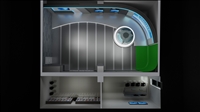
Procurement of Virtual Studio Equipment for Vocational College Video Editing Studio
Category:
Radio and Television/Editing and production equipment/Virtual Studio
Model:
TC UVS series
Brand:
Tianchuang Huashi
Video input format:
SDI/HDMI/NDI
Output resolution:
1920x1080/3840x2160
Cutout algorithm:
3D dynamic color key cutout
Virtual Scene Engine:
Real time 3D rendering engine
Signal delay:
<2 frames
audio input:
XLR/TRS balanced input
Control method:
Software panel/hardware switching console
Applicable Scenarios:
Campus live streaming/micro lesson production/news broadcasting
Retail Price
10,000,000.00USD
重量
kg
- Product Description
-
Video input format SDI/HDMI/NDI
Output resolution 1920x1080/3840x2160
Cutout algorithm 3D dynamic color key cutout
Virtual Scene Engine Real time 3D rendering engine
Signal delay <2 frames
audio input XLR/TRS balanced input
Control method Software panel/hardware switching console
Applicable Scenarios Campus live streaming/micro lesson production/news broadcasting
Description :
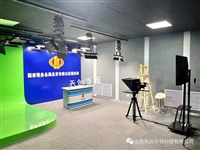
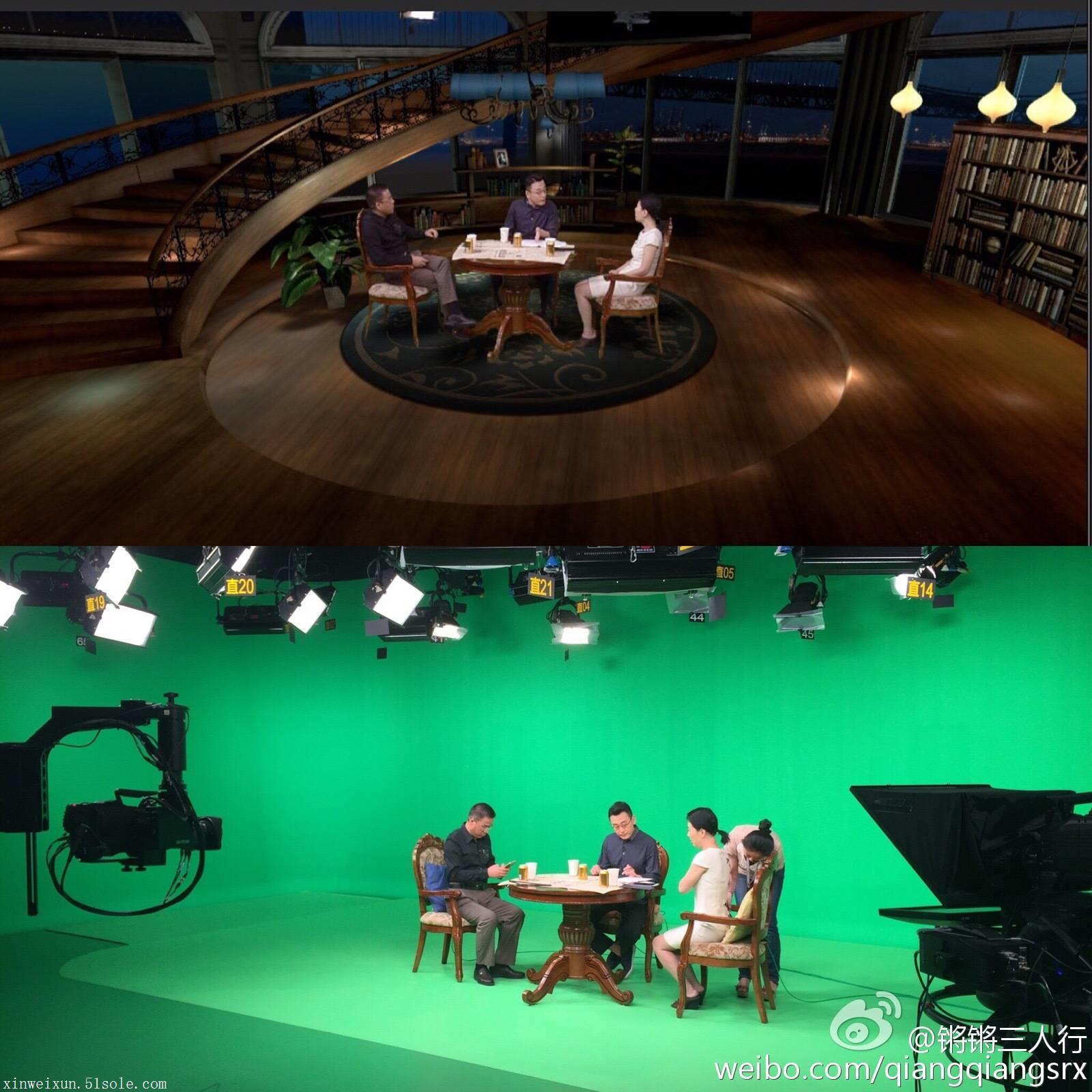
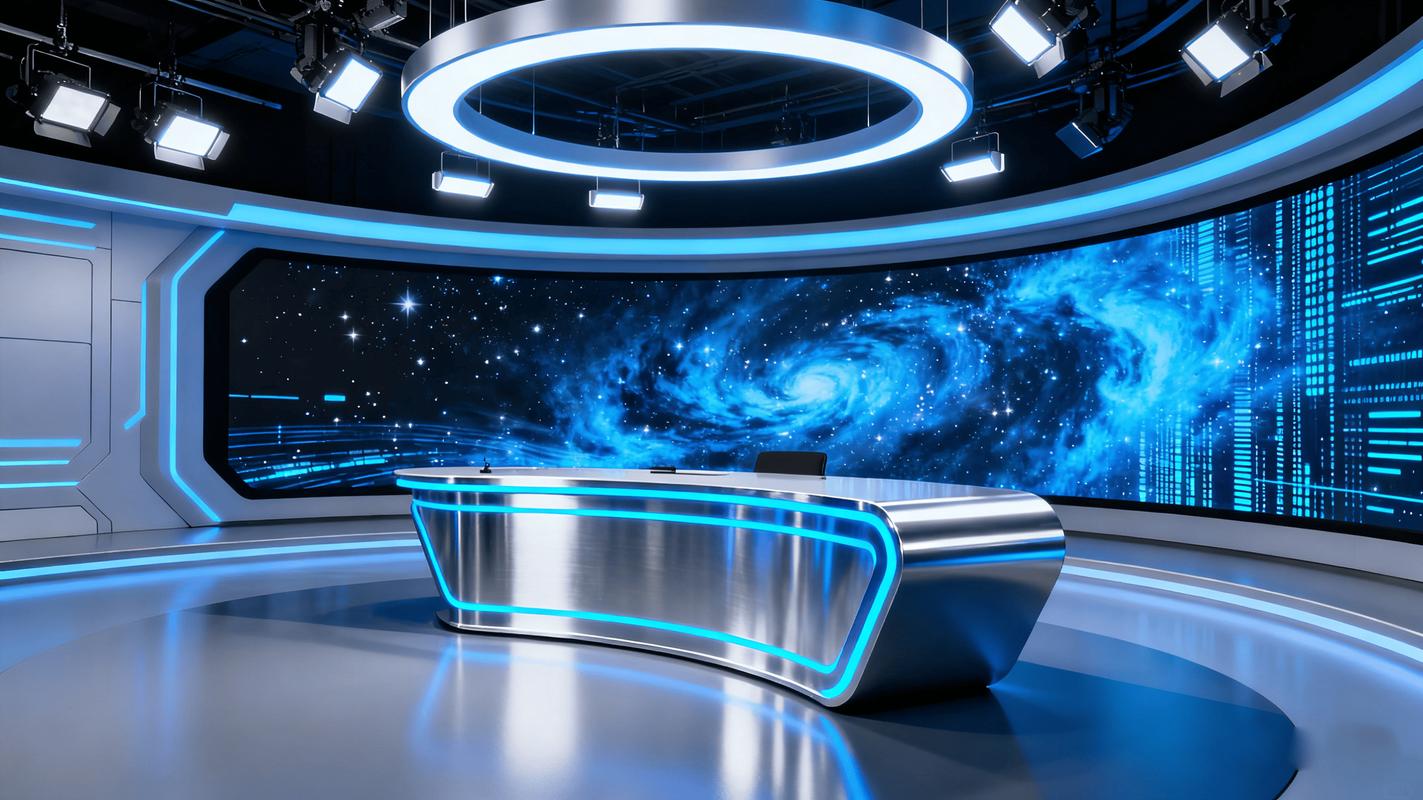
The virtual studio system is a professional video production solution that integrates camera tracking, color key cutout, 3D scene rendering, and video switching. It mainly solves the problem of diversified program production in vocational college video editing studios in limited space. The system seamlessly integrates foreground characters with computer-generated virtual backgrounds through real-time rendering technology. Typical scenarios include news broadcasts, micro lesson recordings, interview programs, and live campus activities. It is suitable for teaching and training scenarios that require efficient production of high-quality video content. It can significantly improve video production efficiency, reduce the cost of real scene construction, and meet the needs of multi camera shooting and real-time preview. It is the core equipment of modern media training rooms.
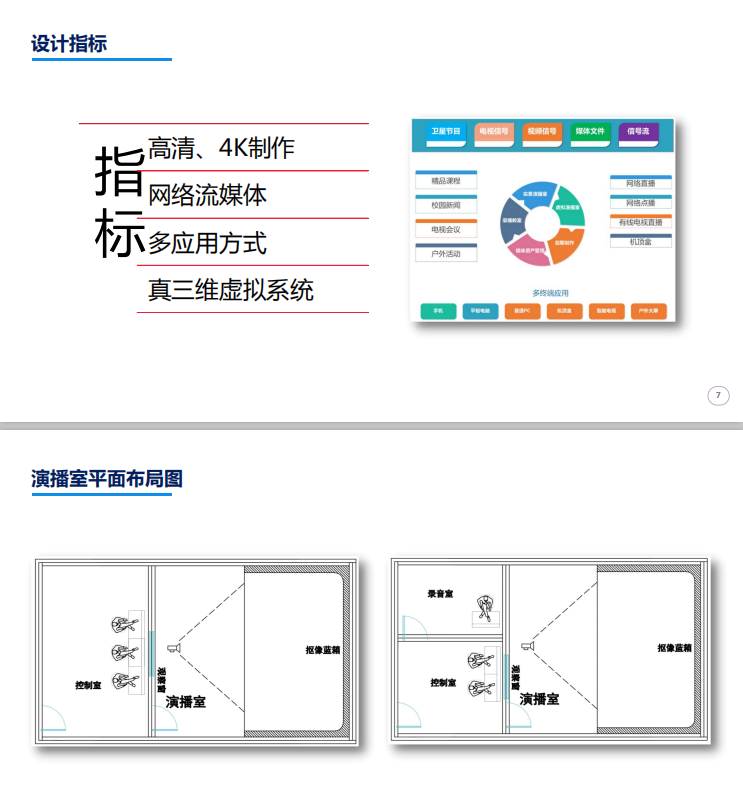
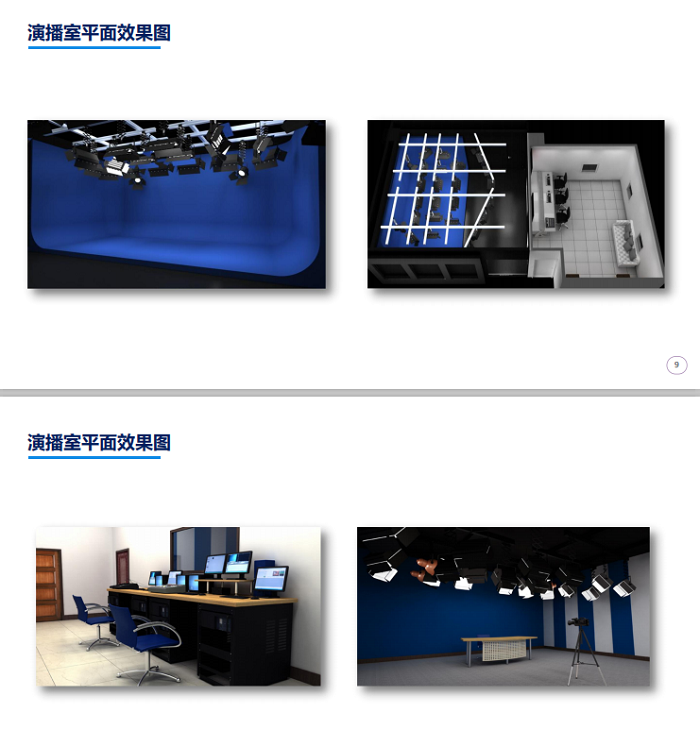
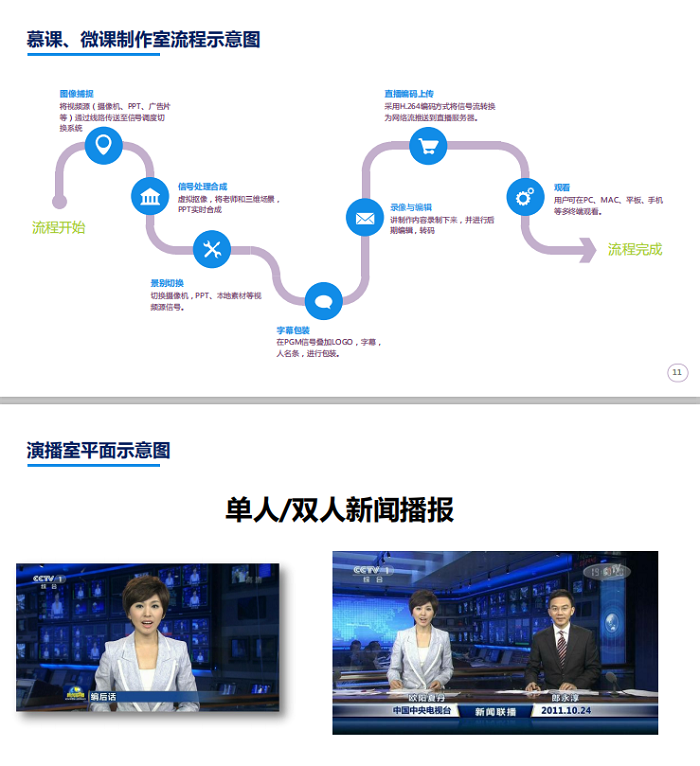
This virtual studio system typically supports 1080P to 4K ultra high definition video signal input, using advanced 3D graphics engines for scene construction to ensure realistic and natural lighting effects. The core hardware includes professional grade color keys, high-performance graphics workstations, and broadcast grade camera interfaces. At the software level, it supports infinite blue box/green box cutout algorithms, with delicate edge processing, no burrs, and no color overflow phenomenon. The system complies with the general standards of the broadcasting and television industry, supports multiple signal formats such as NDI, SDI, HDMI, etc., has low latency characteristics, and ensures audio and image synchronization. Some high-end configurations also integrate virtual camera tracking function, which can achieve precise matching of lens movements such as pushing, pulling, shaking, and moving with the perspective relationship of virtual scenes, enhancing the immersion and professionalism of the picture.
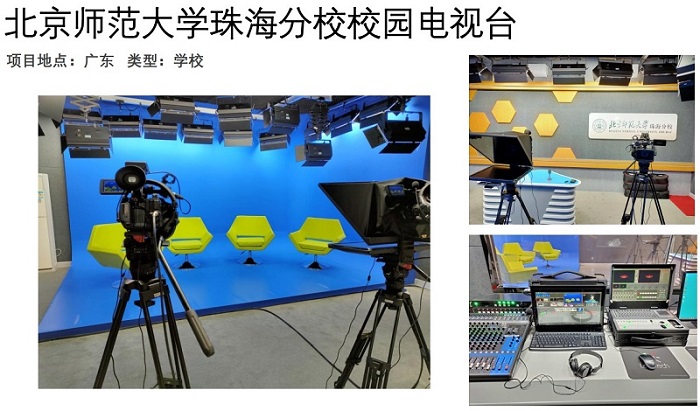
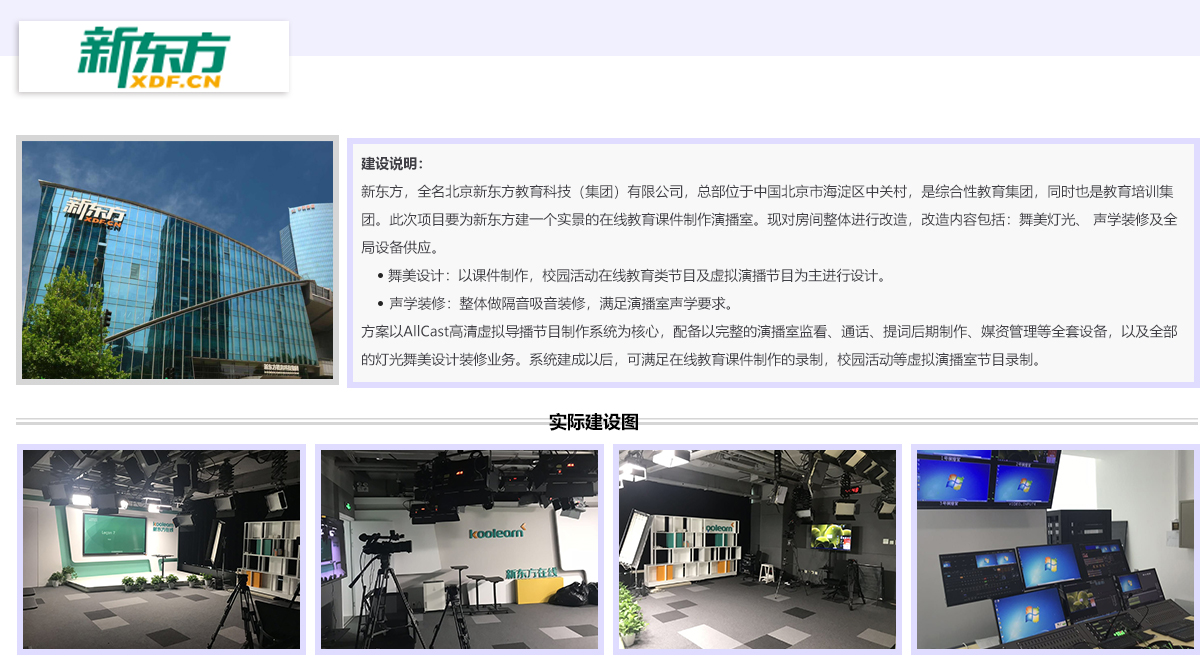
When selecting, it is necessary to choose based on the actual size and budget of the video editing studio in the vocational college. If the venue is limited, it is recommended to choose a single camera or dual camera fixed lens solution that does not require physical tracking, with a focus on examining the image extraction algorithm's ability to process hair strands and semi transparent objects; If you pursue cinematic effects and have ample space, you can choose a multi camera solution with mechanical or infrared tracking systems. It should be noted that the virtual studio system is different from simple green screen post production synthesis software. It emphasizes real-time "what you see is what you get" and is suitable for live streaming and fast production scenes. For non professional operators, priority should be given to systems with user-friendly interfaces and rich preset templates to reduce the learning curve and ensure that students can quickly get started with creative practice.
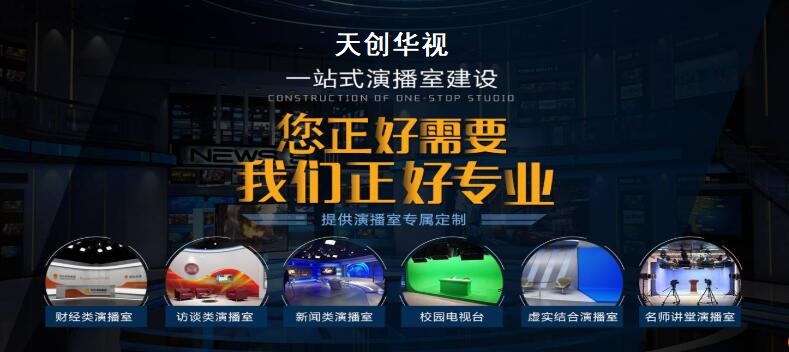
When purchasing and installing virtual studio equipment for vocational college video editing studios, it is necessary to strictly control the uniformity of lighting in the studio area to avoid shadows and reflections affecting the quality of image cutout. It is recommended to use three-point lighting method and match it with a softbox. In daily maintenance, it is necessary to regularly clean the camera lens and color key heat dissipation port, and keep the graphics workstation driver and software version updated to ensure system stability. Common faults such as flickering at the edge of the cutout image are often caused by wrinkles in the background fabric or uneven lighting. It is necessary to readjust the lighting or level the background fabric. During long-term use, pay attention to checking the firmness of cable connections to avoid signal interruption. The reasonable service life can reach 5-8 years, during which the software license can be upgraded or the performance of the graphics card can be expanded to meet the new production requirements and maintain the progressiveness of the equipment.
AfterSalesService :
Key words:
More Products